How to set up your Brand DNA in Content Genie
 Chad Smalley
Published November 14, 2026 · Last updated November 14, 2026
Short answer
To set up Brand DNA on UGC LATAM, open Content Genie, enter your website on the Brand DNA tab and click Scan URL. The Genie writes a brand summary, voice, value propositions and target audience. Click Edit to correct any section, add two to five products, and use the Vault to add social profiles and brand files.
In this video
Steps
Open Content Genie in the menu.
On the Brand DNA tab, enter your website and click Scan URL.
Review the brand summary, voice, value propositions and target audience. Click Edit on any section to correct it.
In Deep dive, add two to five products with clear feature points.
Open the Vault and add your Instagram, TikTok and YouTube profiles, one at a time.
Upload brand books, style guides and your best performing ads.
After a launch or a rebrand, click Scan again.
Part of our guide: all UGC LATAM video guides
Transcript
Content Genie writes hooks, scripts and calls to action in your brand's voice. It starts with Brand DNA, which is what the Genie knows about you. Open Content Genie in the menu.
On the Brand DNA tab, enter your website and click Scan URL. The Genie reads your site and writes a brand summary. Below the summary you get your voice, your value propositions and your target audience.
Click Edit on any section to correct it. The more specific you are, the better your scripts. Use the language buttons to see your Brand DNA in English or Spanish.
Deep dive holds your brand story, industry and flagship products. Add two to five products with clear feature points so scripts mention real benefits. Open the Vault to go further.
Enrich your Brand DNA with your Instagram, TikTok and YouTube profiles, one at a time, so the Genie learns your real hooks and tone. Upload brand books, style guides and your best performing ads. Each asset is indexed and used when the Genie writes.
After a launch or a rebrand, click Scan again to keep your Brand DNA current. Your credit counter at the top shows how many AI credits you used this month. Next: generating hooks, scripts and CTAs.
Frequently asked questions
What is Brand DNA in Content Genie?
Brand DNA is what Content Genie knows about your brand. Enter your website and click Scan URL: the Genie writes a brand summary, your voice, your value propositions and your target audience. You can edit any section.
How does a brand improve the scripts Content Genie writes?
Be specific. Add two to five products with clear feature points, then use the Vault to add your Instagram, TikTok and YouTube profiles, brand books, style guides and best performing ads. Each asset is indexed and used when the Genie writes.
When should a brand update its Brand DNA?
After a launch or a rebrand, click Scan again to keep your Brand DNA current.
Part of our guide: the UGC LATAM platform overview
Related
Answers brands ask before starting
Straight answers from the UGC LATAM team — updated as the platform evolves.
What is Brand DNA in Content Genie?
Brand DNA is what Content Genie knows about your brand. Enter your website and click Scan URL: the Genie writes a brand summary, your voice, your value propositions and your target audience. You can edit any section.
Part of our guide: the UGC LATAM platform overview
How does a brand improve the scripts Content Genie writes?
Be specific. Add two to five products with clear feature points, then use the Vault to add your Instagram, TikTok and YouTube profiles, brand books, style guides and best performing ads. Each asset is indexed and used when the Genie writes.
When should a brand update its Brand DNA?
After a launch or a rebrand, click Scan again to keep your Brand DNA current.
Watch next
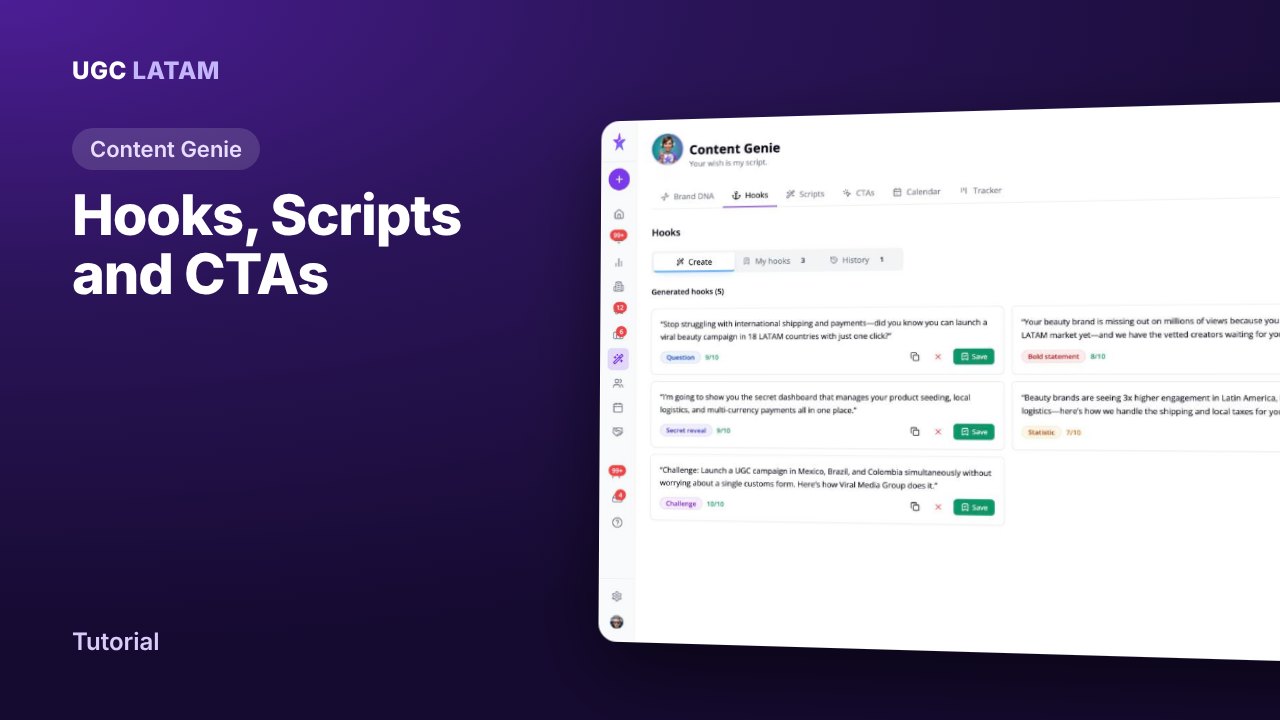
Content Genie
How to write UGC scripts, hooks and CTAs with Content Genie
Creators
How to invite creators to a campaign
Creators