How to invite creators to a campaign
 Chad Smalley
Published November 14, 2026 · Last updated November 14, 2026
Short answer
To invite a creator to a campaign on UGC LATAM, open the creator's profile from Creator Search and click Invite To Campaign. Choose an active campaign, add a personal message of up to 500 characters and click Send Invitation. Track it in Applications under the Invited tab, where you can revoke it while pending.
In this video
Steps
Open the creator's profile from Creator Search and click Invite To Campaign.
Choose one of your active campaigns and check the preview of its dates, compensation and countries.
Add a personal message of up to 500 characters.
Click Send Invitation. The creator is notified and can accept from their dashboard.
Track the invitation in Applications, on the Invited tab. You can revoke it while it is pending.
Working from a roster: open a list linked to a campaign and click Invite next to any creator.
Once a creator accepts, find them in the campaign's Creators tab and message them in the Inbox.
Part of our guide: all UGC LATAM video guides
Transcript
When you find a creator you want, invite them to your campaign directly, without waiting for them to apply. Open the creator's profile from Creator Search and click Invite To Campaign. Choose one of your active campaigns.
A preview shows its dates, compensation and countries. Add a personal message of up to 500 characters to explain why they are a good fit. Click Send Invitation.
The creator is notified and can accept from their dashboard. You land on Applications, in the Invited tab, where the invitation shows as pending. You can also track it in the creator's profile.
The Invited tab lists every invitation, and you can revoke one while it is pending. The Experience tab keeps the history of every campaign invitation, with the message you sent. Working from a roster?
Open a list that is linked to a campaign and click Invite next to any creator. Once a creator accepts, they appear in the campaign's Creators tab and you can message them in the Inbox.
Frequently asked questions
How does a brand invite a creator to a campaign?
Open the creator's profile from Creator Search and click Invite To Campaign. Choose an active campaign, add a personal message of up to 500 characters and click Send Invitation. The creator is notified and can accept from their dashboard.
Where does a brand track campaign invitations?
In Applications, on the Invited tab, where each invitation shows as pending until the creator answers. You can revoke a pending invitation there. The Experience tab on the creator's profile keeps the history of every invitation.
Can a brand invite creators from a roster?
Yes. Open a list that is linked to a campaign and click Invite next to any creator. Once a creator accepts, they appear in the campaign's Creators tab and you can message them in the Inbox.
Part of our guide: the UGC LATAM creator database
Related
Answers brands ask before starting
Straight answers from the UGC LATAM team — updated as the platform evolves.
How does a brand invite a creator to a campaign?
Open the creator's profile from Creator Search and click Invite To Campaign. Choose an active campaign, add a personal message of up to 500 characters and click Send Invitation. The creator is notified and can accept from their dashboard.
Part of our guide: the UGC LATAM creator database
Where does a brand track campaign invitations?
In Applications, on the Invited tab, where each invitation shows as pending until the creator answers. You can revoke a pending invitation there. The Experience tab on the creator's profile keeps the history of every invitation.
Can a brand invite creators from a roster?
Yes. Open a list that is linked to a campaign and click Invite next to any creator. Once a creator accepts, they appear in the campaign's Creators tab and you can message them in the Inbox.
Watch next
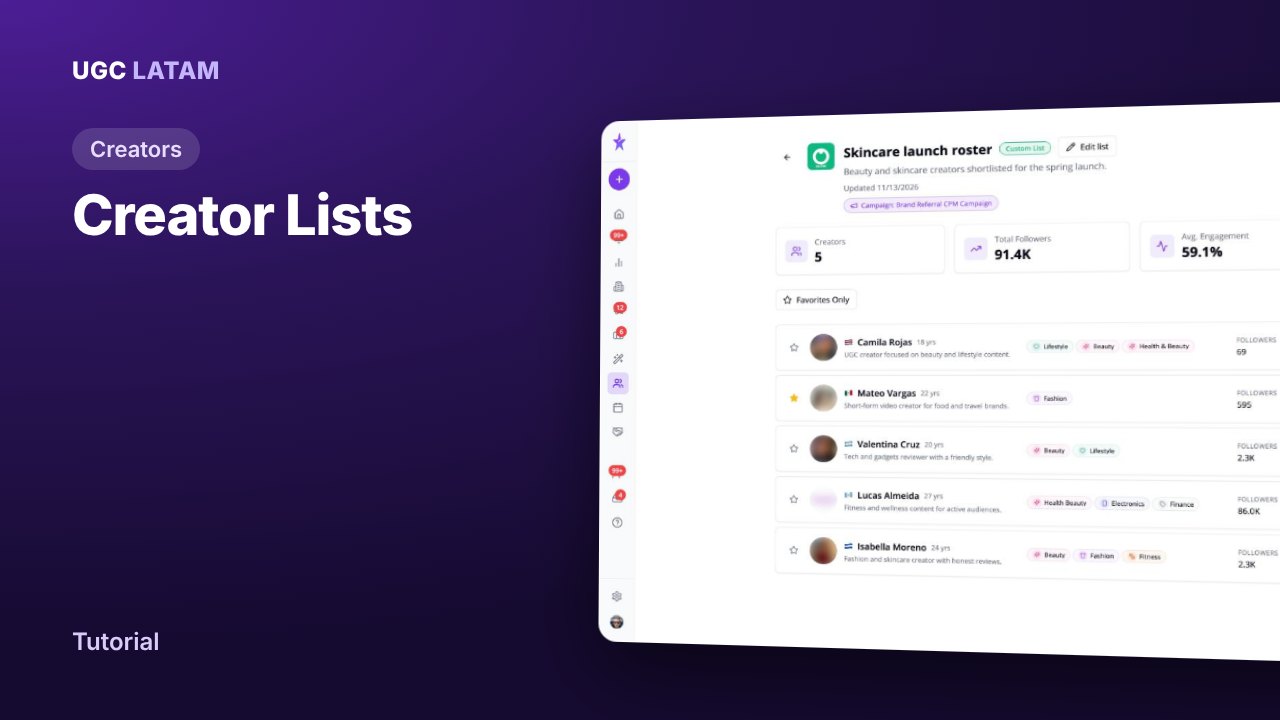
Creators
How to build a creator roster and share it for approval
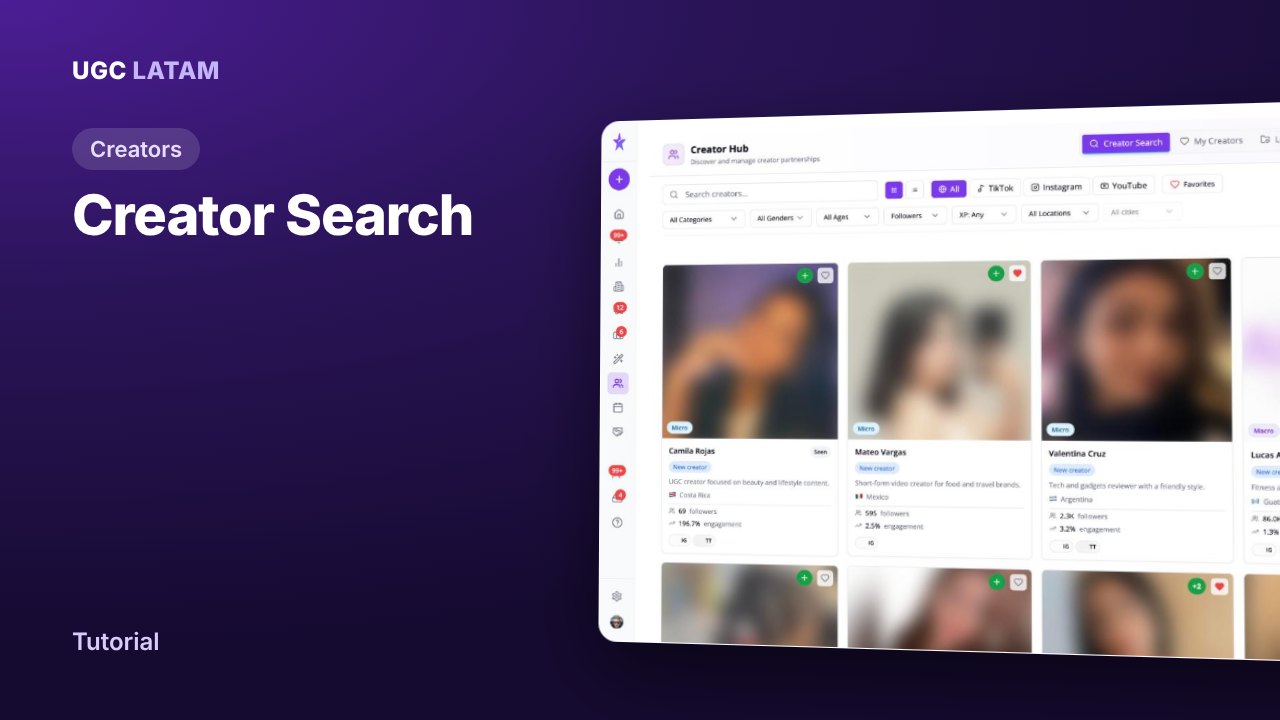
Creators
How to find UGC creators in Latin America with Creator Search
Content Genie