How to write UGC scripts, hooks and CTAs with Content Genie
 Chad Smalley
Published November 14, 2026 · Last updated November 14, 2026
Short answer
To write a UGC script on UGC LATAM, open Content Genie and start in the Hooks tab: describe the hook, pick the AI model and click Generate. In Scripts, choose a saved hook, describe the video, set goal, tone and language, and click Generate script. Refine it in one click, then create matching CTAs in the CTAs tab.
In this video
Steps
Open the Hooks tab in Content Genie and describe the hook you need.
Pick the AI model and click Generate. Save the hooks you like.
Open the Scripts tab, choose a saved hook or go without one, and describe the video you want.
In Script settings, set the goal, tone, language and number of scripts, then click Generate script.
Refine the script with one click: shorter, funnier, more formal, or localized for Brazil.
Open the CTAs tab, pick a CTA type and generate calls to action that fit your script.
Prefer to chat: click Talk to me and ask the Genie for a hook, a better CTA or video topics.
Part of our guide: all UGC LATAM video guides
Transcript
With your Brand DNA in place, Content Genie can write your video content. Start with the Hooks tab. Describe the hook you need.
Type the at sign to reference a campaign, a script or a CTA, pick the AI model, and click Generate. Your hooks appear on the canvas with a style and a strength score. The guide on the right explains each style: question, bold statement, story, statistic and more.
Save the ones you like. My hooks lists every hook with its campaign, style, strength and status, and you can add your own manually. Open the Scripts tab.
Choose a saved hook or go without one, then describe the video you want, for example a thirty-second unboxing for your summer collection. In Script settings, set the goal, the tone, the language and how many scripts you want. The language follows your dashboard, and you can change it.
Click Generate script. Then refine it with one click: make it shorter, make it funnier, more formal, or localize it for Brazil. My scripts keeps every script, with filters for status, goal and language.
The CTAs tab works the same way. Pick a CTA type, such as follow, comment, save or link, and generate calls to action that fit your script. Prefer to chat?
Click Talk to me and make a wish. The Genie can write a hook, improve a CTA or suggest video topics for the week. Calendar and Tracker are coming soon, to plan your posting dates and follow each script from draft to posted.
Frequently asked questions
How does Content Genie generate hooks for a video?
On the Hooks tab, describe the hook you need, pick the AI model and click Generate. Each hook appears with a style, such as question, bold statement, story or statistic, and a strength score. Save the ones you like.
Can Content Genie write a full video script?
Yes. On the Scripts tab, choose a saved hook or none, describe the video, set the goal, tone, language and number of scripts, and click Generate script. You can then make it shorter, funnier, more formal, or localize it for Brazil.
What kinds of calls to action can Content Genie write?
On the CTAs tab you pick a CTA type, such as follow, comment, save or link, and Content Genie generates calls to action that fit your script.
Part of our guide: the UGC LATAM platform overview
Related
Answers brands ask before starting
Straight answers from the UGC LATAM team — updated as the platform evolves.
How does Content Genie generate hooks for a video?
On the Hooks tab, describe the hook you need, pick the AI model and click Generate. Each hook appears with a style, such as question, bold statement, story or statistic, and a strength score. Save the ones you like.
Part of our guide: the UGC LATAM platform overview
Can Content Genie write a full video script?
Yes. On the Scripts tab, choose a saved hook or none, describe the video, set the goal, tone, language and number of scripts, and click Generate script. You can then make it shorter, funnier, more formal, or localize it for Brazil.
What kinds of calls to action can Content Genie write?
On the CTAs tab you pick a CTA type, such as follow, comment, save or link, and Content Genie generates calls to action that fit your script.
Watch next
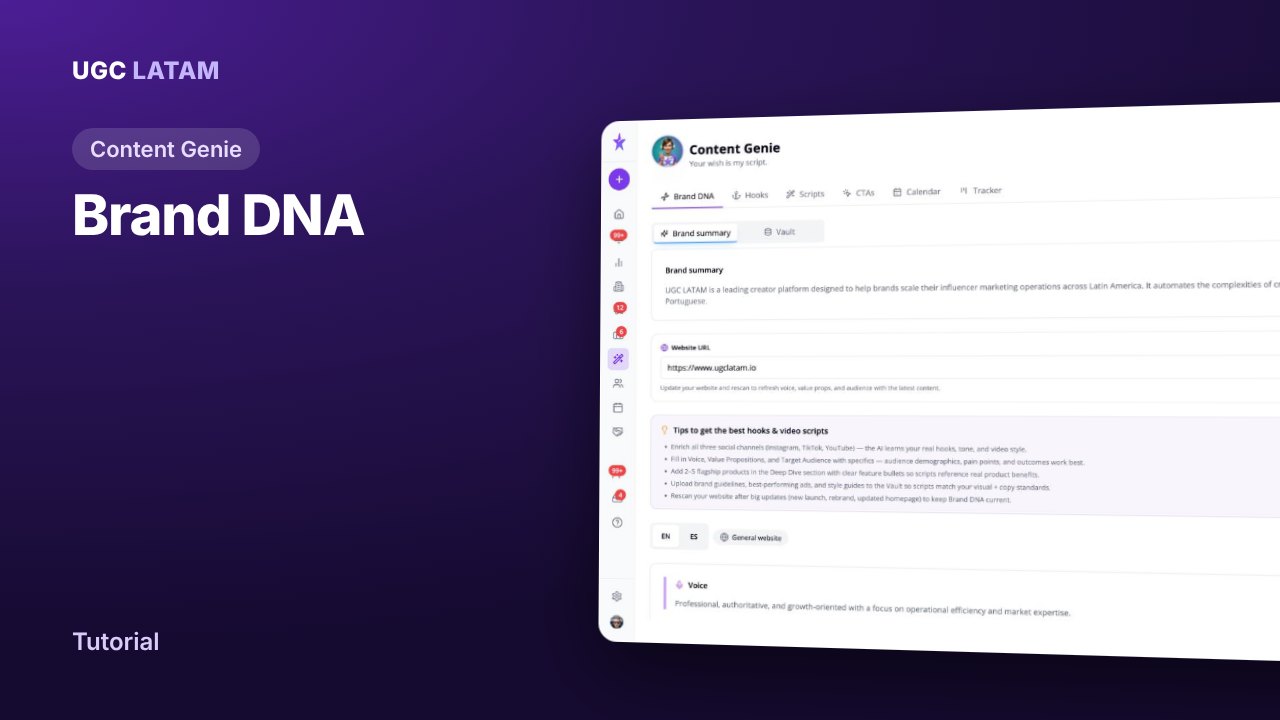
Content Genie
How to set up your Brand DNA in Content Genie
Creators
How to invite creators to a campaign
Creators