How to build and share a portfolio of approved videos
 Chad Smalley
Published November 14, 2026 · Last updated November 14, 2026
Short answer
To build a portfolio on UGC LATAM, open Campaigns, click My Videos and open the campaign folder. Select the videos, open the Actions menu and choose Build a portfolio. Add a title and an optional intro, then click Create portfolio. Use Copy link to share the public page, and Edit or Add more to update it.
In this video
Steps
Open Campaigns, click My Videos, open the campaign's folder on the left, then its Videos folder.
Select the videos you want, or click Select all.
Open the Actions menu and choose Build a portfolio.
Add a title and an optional intro, and choose whether to show creator names and campaign names.
Click Create portfolio. It opens and is listed under Portfolios.
Click Copy link to share the public page.
Open Edit to change the title, add the client's name or turn the public link off. Click Add more to add new videos.
Part of our guide: all UGC LATAM video guides
Transcript
A portfolio is a shareable page of approved videos from one campaign. Use it to show your team, clients and decision makers the content, for paid ads and future marketing campaigns. You build a portfolio from My Videos.
Open Campaigns, click My Videos, and open the campaign's folder on the left, then its Videos folder. Select the videos you want, or click Select all for the whole campaign. Open the Actions menu and choose Build a portfolio.
Give it a title and an optional intro. Choose whether to show creator names and campaign names. The page carries your logo.
Then click Create portfolio. Your new portfolio opens, and it is listed under Portfolios. Each one shows its number of videos and how many are approved, need revisions or are pending review.
Click Copy link to share the public page, or open it yourself from More actions. Open Edit to change the title and description, add the client's name, or turn the public link off. Changes save automatically.
As more videos are completed, click Add more to add them to the same portfolio. Next, meet Content Genie, which writes hooks and scripts for your campaigns.
Frequently asked questions
What is a portfolio on UGC LATAM?
A portfolio is a shareable page of approved videos from one campaign. Brands use it to show the content to their team, clients and decision makers, for paid ads and future marketing campaigns.
How does a brand build a portfolio of approved videos?
In My Videos, open the campaign folder, select the videos, open Actions and choose Build a portfolio. Add a title and optional intro, choose whether to show creator and campaign names, then click Create portfolio.
Can a portfolio be changed after it is shared?
Yes. Open Edit to change the title and description, add the client's name or turn the public link off. Click Add more to add newly completed videos to the same portfolio. Changes save automatically.
Part of our guide: the UGC LATAM platform overview
Related
Answers brands ask before starting
Straight answers from the UGC LATAM team — updated as the platform evolves.
What is a portfolio on UGC LATAM?
A portfolio is a shareable page of approved videos from one campaign. Brands use it to show the content to their team, clients and decision makers, for paid ads and future marketing campaigns.
Part of our guide: the UGC LATAM platform overview
How does a brand build a portfolio of approved videos?
In My Videos, open the campaign folder, select the videos, open Actions and choose Build a portfolio. Add a title and optional intro, choose whether to show creator and campaign names, then click Create portfolio.
Can a portfolio be changed after it is shared?
Yes. Open Edit to change the title and description, add the client's name or turn the public link off. Click Add more to add newly completed videos to the same portfolio. Changes save automatically.
Watch next
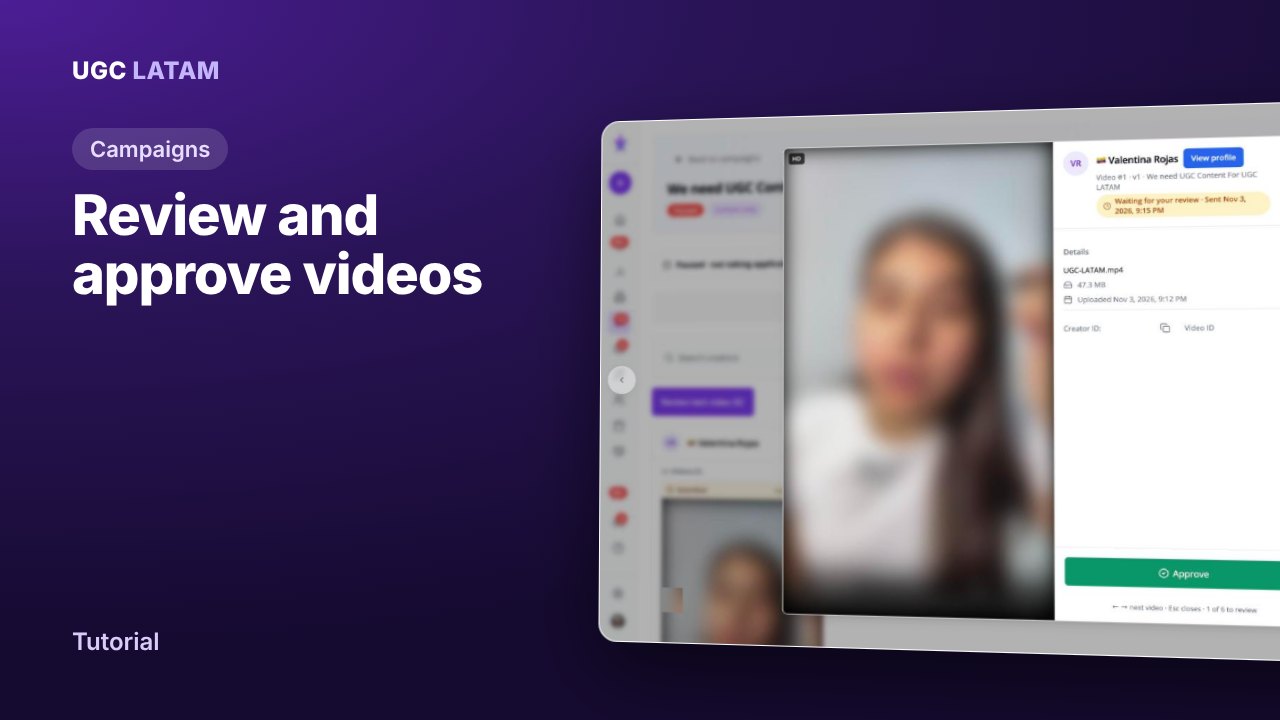
Campaigns
How to review, revise and approve creator videos
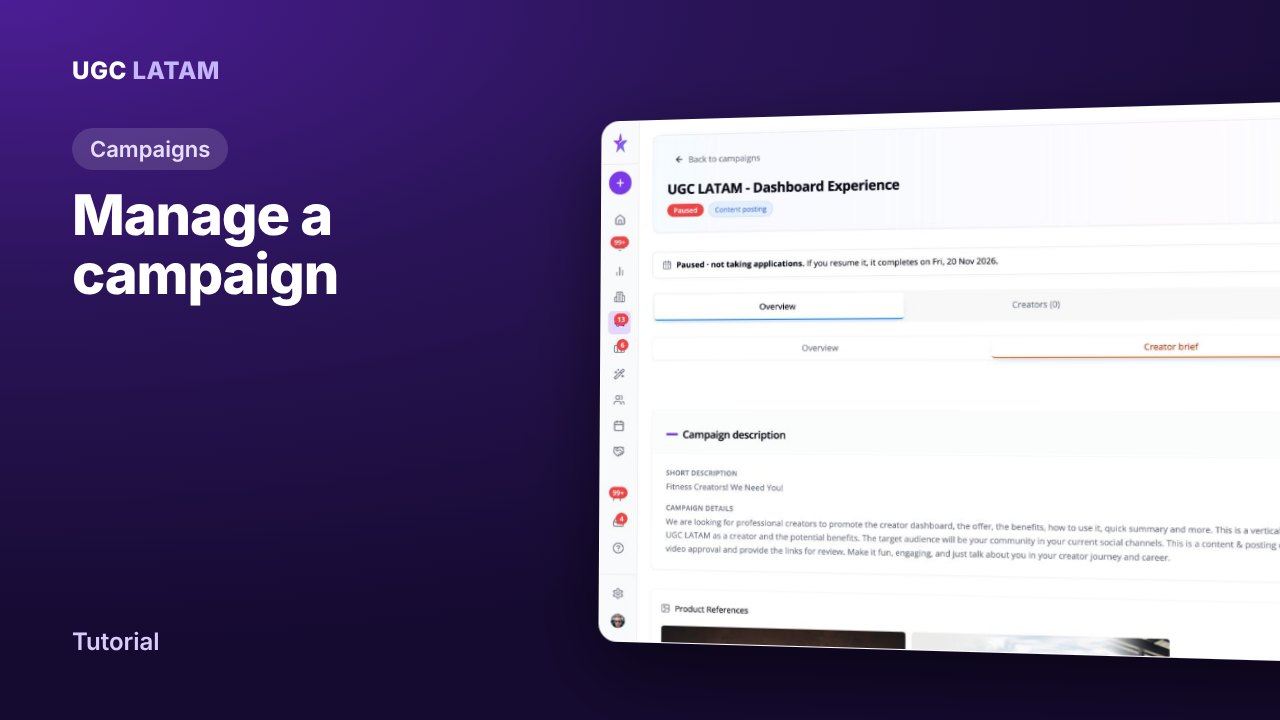
Campaigns
How to manage a campaign and update the creator brief
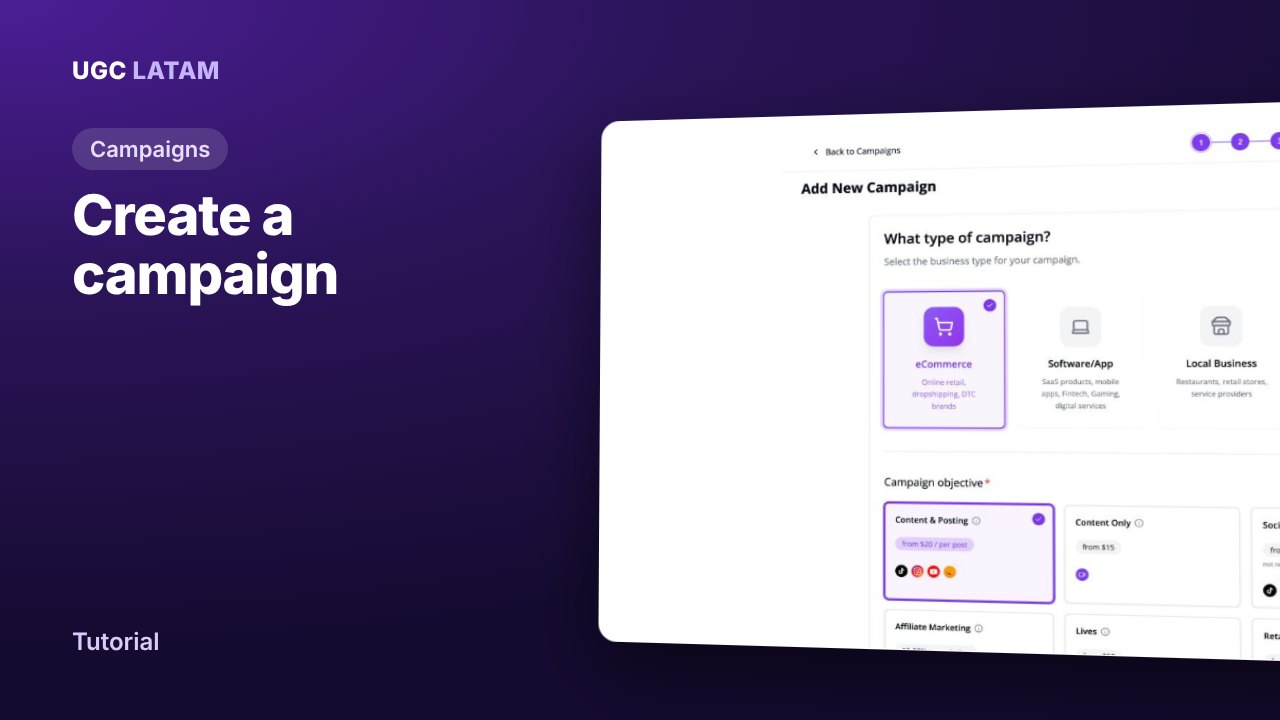
Campaigns